✦ Our Services
Whiteboard &
Collaboration Displays
Transform your meetings and workspaces with interactive digital whiteboards — enabling seamless collaboration for in-person and remote teams across South Florida.
Smart Collaboration
Interactive displays that bring your team together.
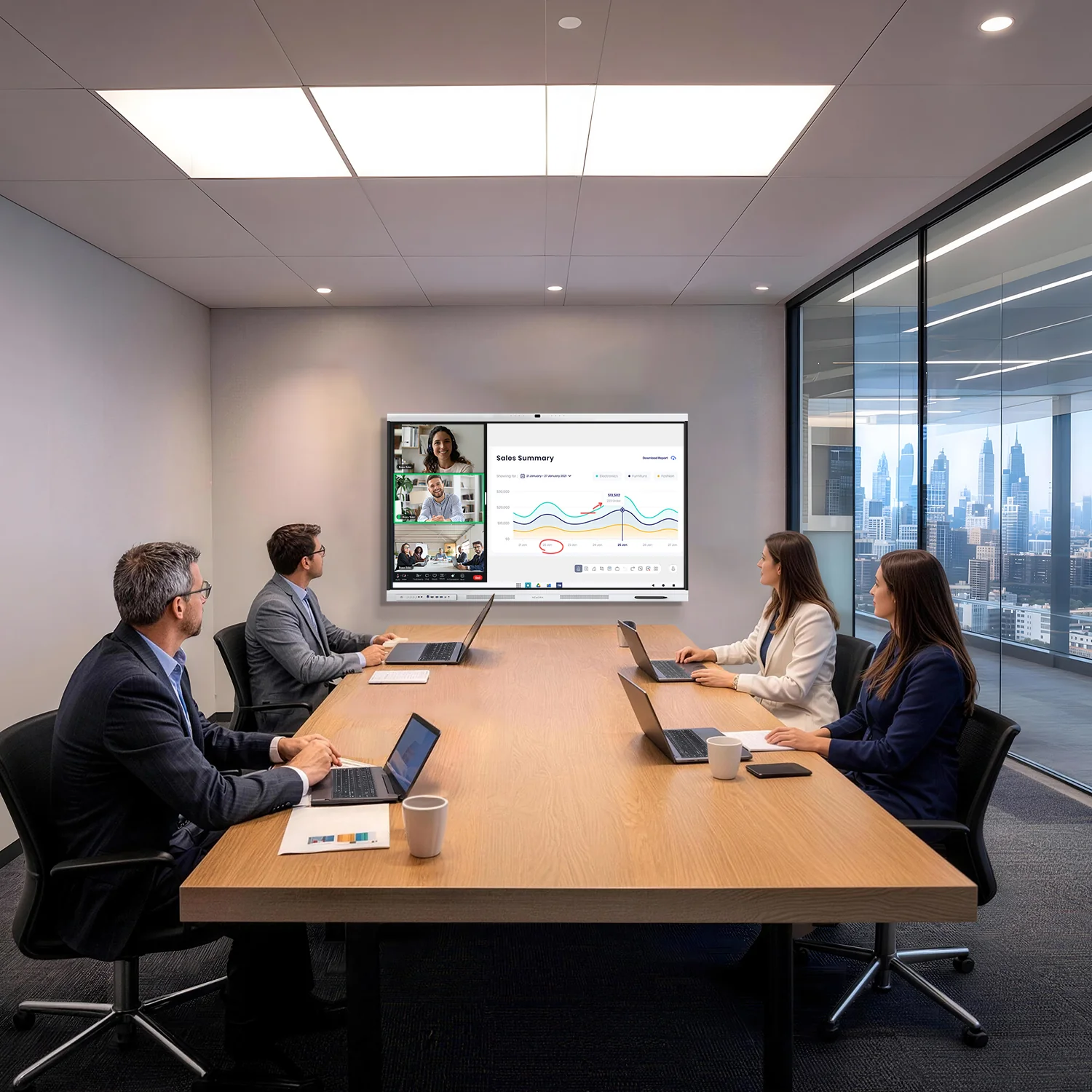
Modern whiteboards go far beyond marker and eraser. Our interactive digital whiteboard solutions let your team brainstorm, annotate, present and collaborate in real time — whether everyone is in the same room or working remotely.
Gold Coast Technologies supplies, installs and supports interactive display systems for conference rooms, classrooms and collaborative workspaces across South Florida.
Newline Interactive
Interactive Displays — Full Lineup
Browse the complete Newline collection by series. All models available for purchase or lease with installation and GoldCare support included.
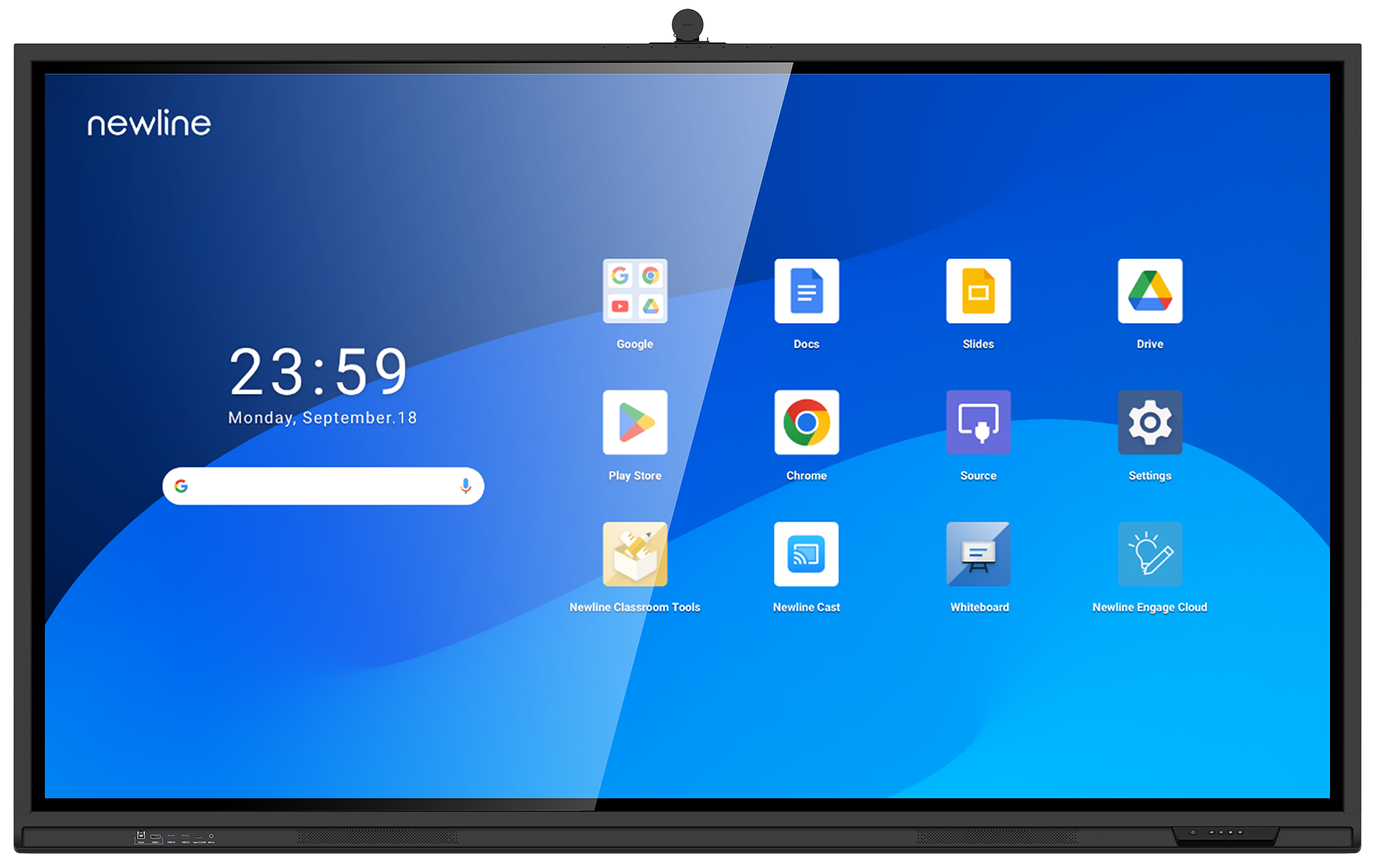
Q Pro 55" — TT-5524QPRO
Google EDLA certified display ideal for small meeting rooms and huddle spaces.
- 4K UHD · 40-point IR touch
- Android 14 · 8GB RAM · Wi-Fi 6
- 69.4 lbs · 47.6 × 26.8 in
Q Pro 65" — TT-6524QPRO
Mid-size display with 4K clarity and native Google apps for collaborative workspaces.
- 4K UHD · 40-point IR touch
- Android 14 · 8GB RAM · Wi-Fi 6
- 85.9 lbs · 56.2 × 31.7 in
Q Pro 75" — TT-7524QPRO
Most popular size for conference rooms — perfect balance of screen real estate and impact.
- 4K UHD · 40-point IR touch
- Android 14 · 8GB RAM · Wi-Fi 6
- 114.6 lbs · 64.9 × 36.5 in
Q Pro 86" — TT-8624QPRO
Large-format display for boardrooms and training rooms with full 4K detail.
- 4K UHD · 40-point IR touch
- Android 14 · 8GB RAM · Wi-Fi 6
- 143.3 lbs · 74.6 × 41.9 in
Q Pro 98" — TT-9824QPRO
Flagship size for large auditoriums, executive boardrooms and high-visibility spaces.
- 4K UHD · 40-point IR touch
- Android 14 · 8GB RAM · Wi-Fi 6
- 238 lbs · 85.1 × 48.1 in


Key Features
Everything your team needs to collaborate.
Natural Touch Writing
Multi-touch precision writing and drawing that feels as natural as pen on paper, with zero lag.
Wireless Sharing
Cast your screen wirelessly from any laptop, tablet or phone — no cables, no dongles, no delays.
Video Conferencing
Built-in camera and mic support for Zoom, Teams and Google Meet — connect remote participants instantly.
Cloud Save & Share
Save your whiteboard session to the cloud and share it with the whole team in seconds after the meeting.
Secure & Managed
Enterprise-grade security with user authentication, session wipe and IT management tools built in.
Easy Integration
Works seamlessly with Microsoft 365, Google Workspace, and all major collaboration platforms.
Use Cases
Built for every workspace.
From boardrooms to classrooms, our interactive displays adapt to how your team works best.
Conference Rooms
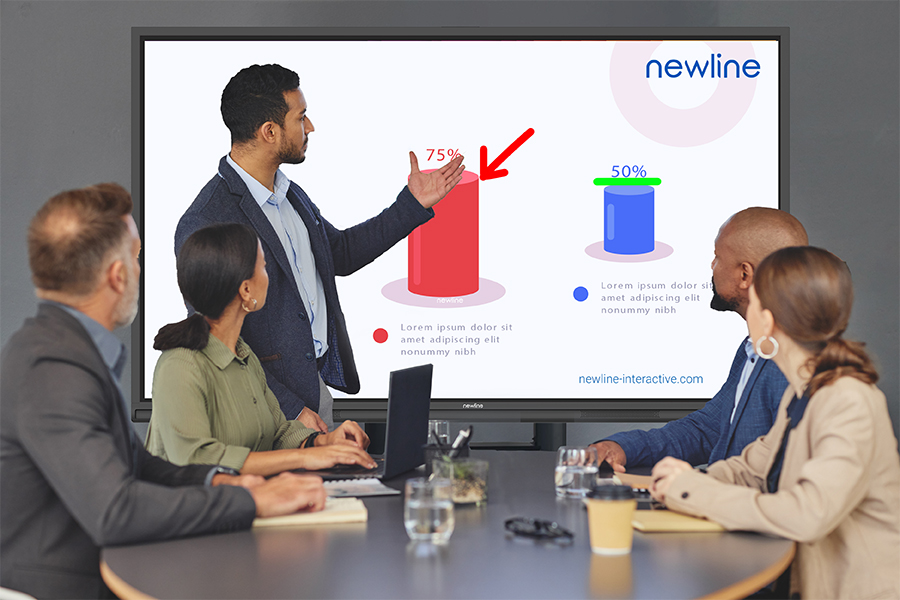
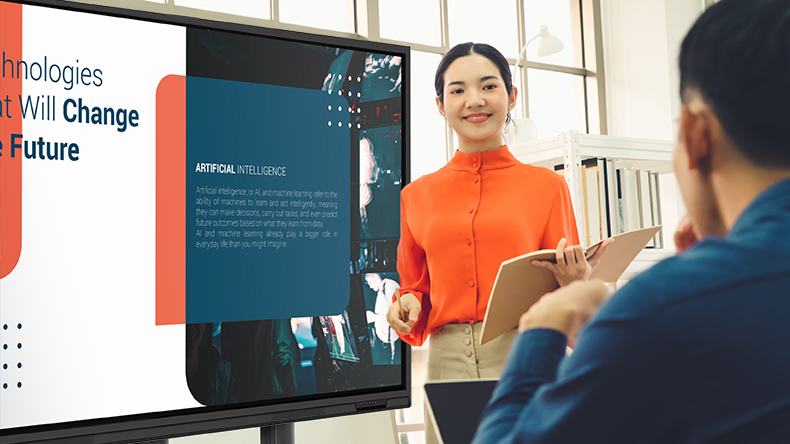
Run more productive meetings with real-time annotation, screen sharing and remote collaboration.
Training & Education
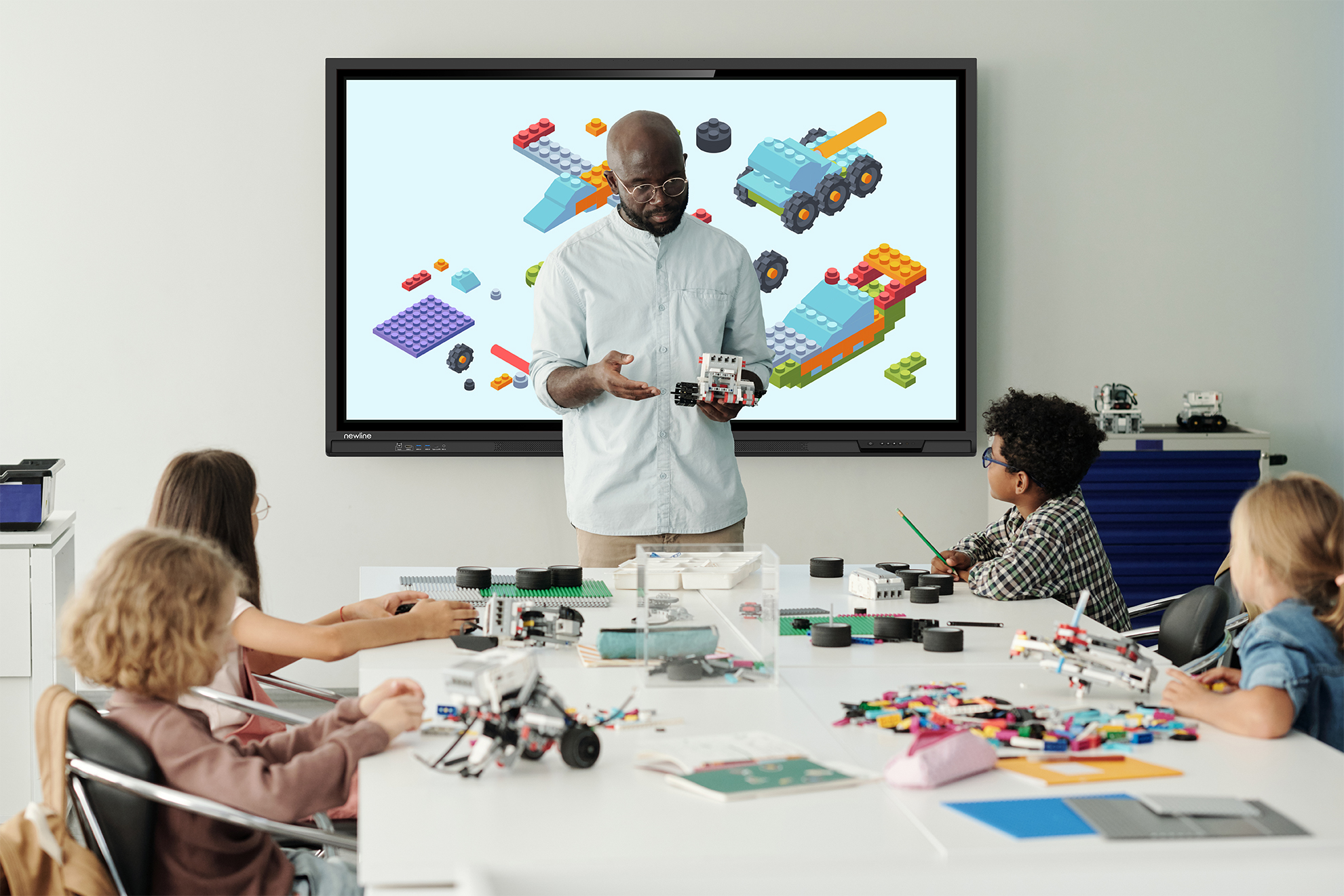
Engage audiences with interactive lessons, quizzes and live annotation on any content.
Creative Brainstorming
Unlimited digital canvas for ideation — sticky notes, mind maps, drawings and diagrams.
Hybrid Teams
Bridge the gap between in-office and remote workers with real-time shared whiteboard sessions.
Our Process
From consultation to installation in 3 steps.
Assess Your Space
We visit your office, measure your rooms and understand how your team collaborates to recommend the right display size and configuration.
Professional Installation
Our certified technicians handle mounting, cabling, network setup and software configuration — your team just shows up and collaborates.
Training & Support
We train your team on-site and provide ongoing GoldCare support so you always get the most from your investment.
